Aitho, the AI presentation teleprompter Anxious about presenting?
Aitho keeps your script in front of you, follows your voice, and moves your slides as you speak, so you can look at the room.
No account needed. Read two lines out loud and watch the script follow you.
- Private by designYour notes and Q&A stay out of the audience view.
- Grounded in your sourcesAnswers start with your presentation and materials.
What is Aitho? A teleprompter for presentations that follows your voice and advances your slides. Learn more
What actually helps
Prepare. Rehearse. Present.
- Import a deck
- Practice out loud
- Start presenting
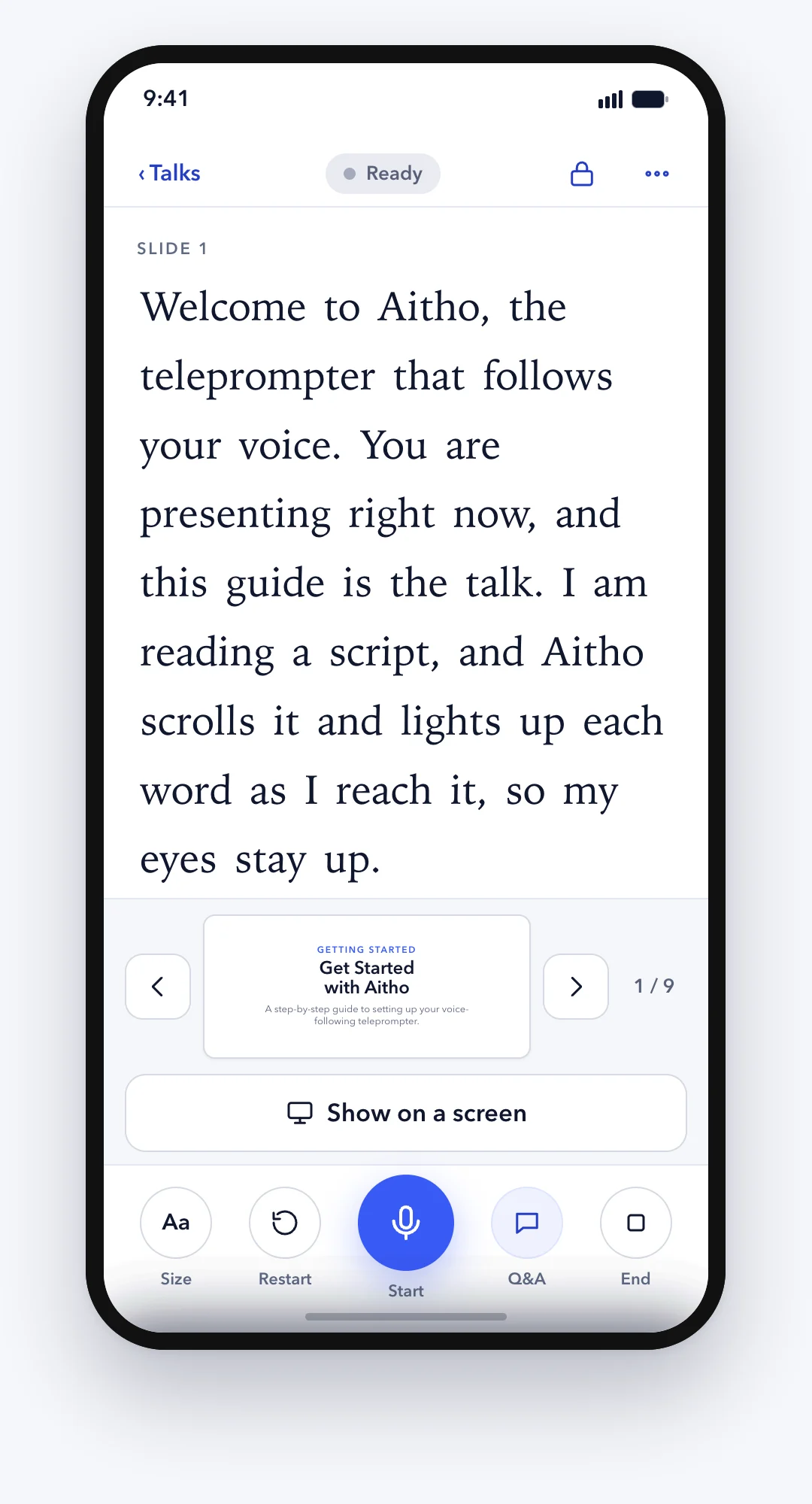
Real Aitho. 40 seconds: the script follows the voice and the slides advance.
What happens in the clip
A speaker reads a short sample pitch out loud. In the private presenter view, the script highlights each word as it is spoken, and each slide advances on its own when the speaker reaches its words. The audience sees only the slides.
Works where you already present
- Zoom
- Microsoft Teams
- Google Meet
- Webex
- Slack huddles
- TV or projector
- Second screen
How it helps
Built for the moments that actually go wrong.
Lose your place? Your support follows where you actually speak.
Skip ahead or circle back. Aitho catches up to where you are.
Voice-following script and slides
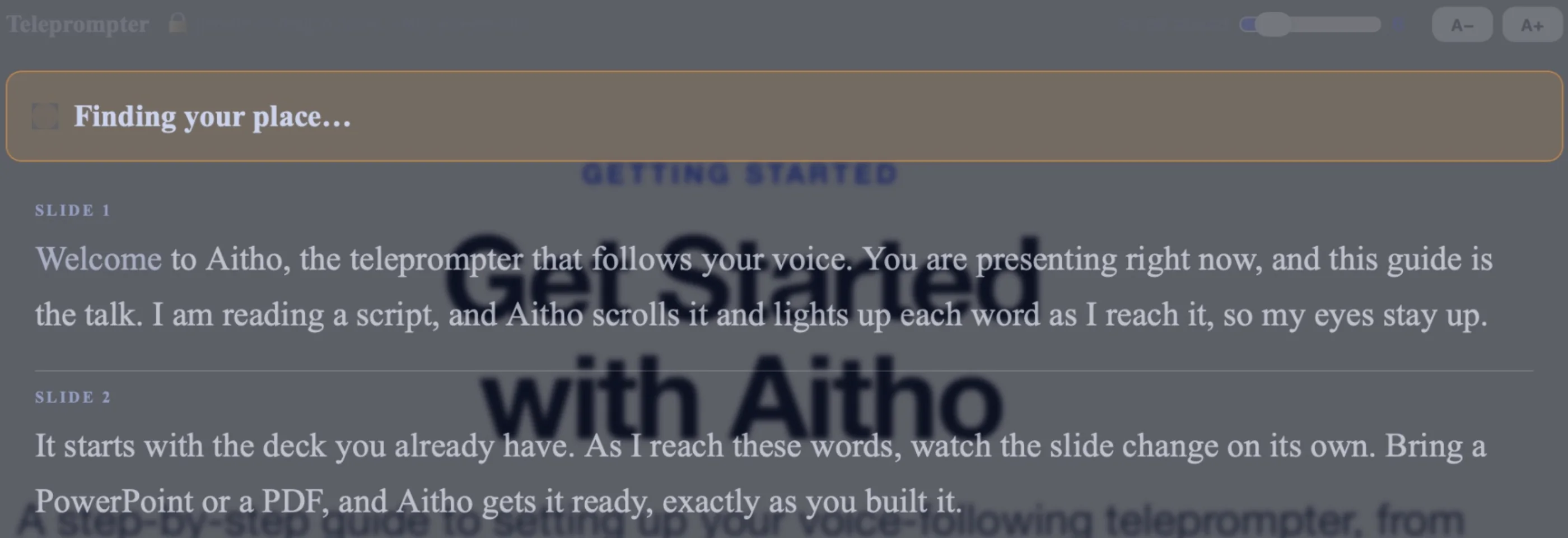
Keep what you need visible — and private.
Your script and answers stay on your screen. The room sees only your slides.
Presenter View and Audience Stage
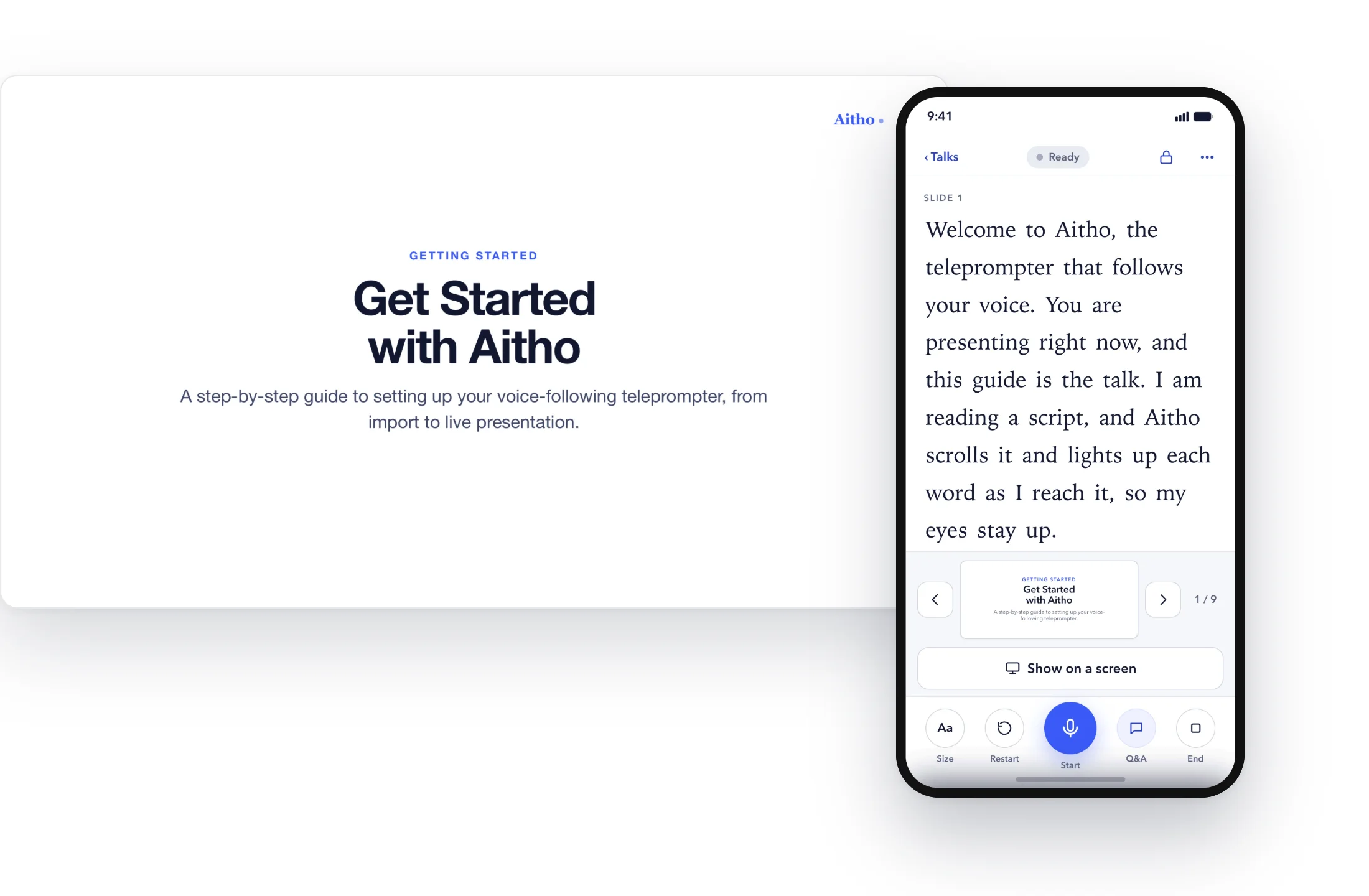
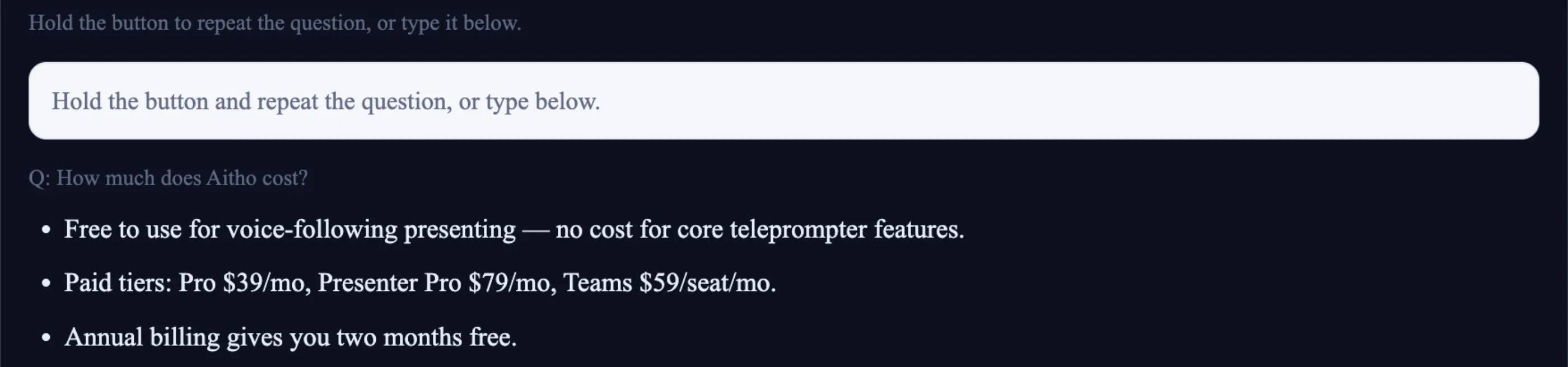
When the unexpected question comes, you don't have to face it alone.
A short private answer, drawn from your own material.
Private Q&A
Practice recovery, not just perfection.
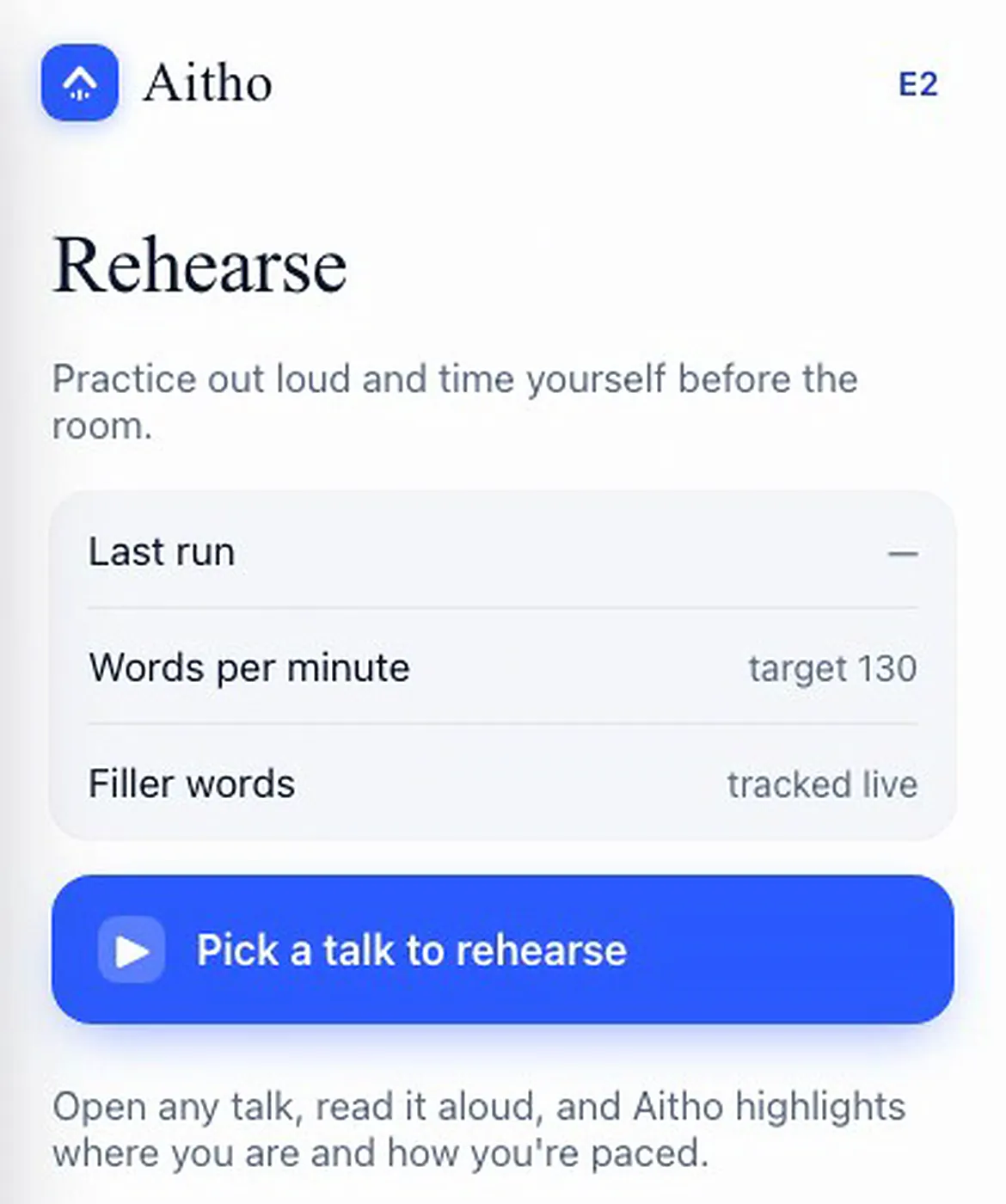
Rehearse out loud, with your pace and filler words tracked.
Rehearse mode
Already work in Claude, ChatGPT or Cursor?
Hand your assistant the deck. Get a talk back.
Give it the deck and the documents. A ready talk lands in your Aitho library. Included with Presenter Pro.
https://present.aitho.app/mcp
Questions people ask
Before you try it
Why does presenting feel so hard?
Because you are doing five things at once: remembering what comes next, watching the audience, controlling your pace, managing slides, and being ready for questions.
What if things don't go exactly as planned?
That's okay. What matters is being able to recover and keep the audience connected to the idea.
Where does Aitho fit?
It helps you stay on track and stay present: voice-following support, a private speaker view, and AI Q&A, so you can focus on the room. Explore features
What's in the free plan?
Everything in the demo above: your own deck, the words that follow your voice, and three private answers to try. Enough for your next talk.
What do I need to start?
A free account. Use the sample talk that comes with it, or your own PDF or PowerPoint. No card.
Do I have to change my slides?
No. Bring the deck you have. Aitho never edits it.
What happens if I go off script?
Keep talking. Aitho waits, and when your words return to the script it catches up with you. If you skip ahead, it follows.
What does the audience see?
Only your slides, in a separate window you share. Your script and your answers stay on your screen, and the answers come from your own slides and documents.
Where does my voice go?
It is used to keep your place and is not stored. On the web it goes to your browser's own speech service, or to Aitho's own servers if you choose that mode. In the phone app, recognition runs on the phone when the phone supports it. The full detail, in plain language
Can I use it on my phone?
Yes, in any browser, with the iPhone app on the App Store, and the Android app on Google Play.
Can I use it in a graded or judged talk?
Use it to rehearse as much as you like. For the talk itself, follow your event's rules on notes and assistance.
Your ideas deserve more than slides.
Prepare with confidence. Present with presence. Leave an impression.